
#filmlike #filmsimulation #fujifilm #canon #filmisnotdead #analog #analogphotography
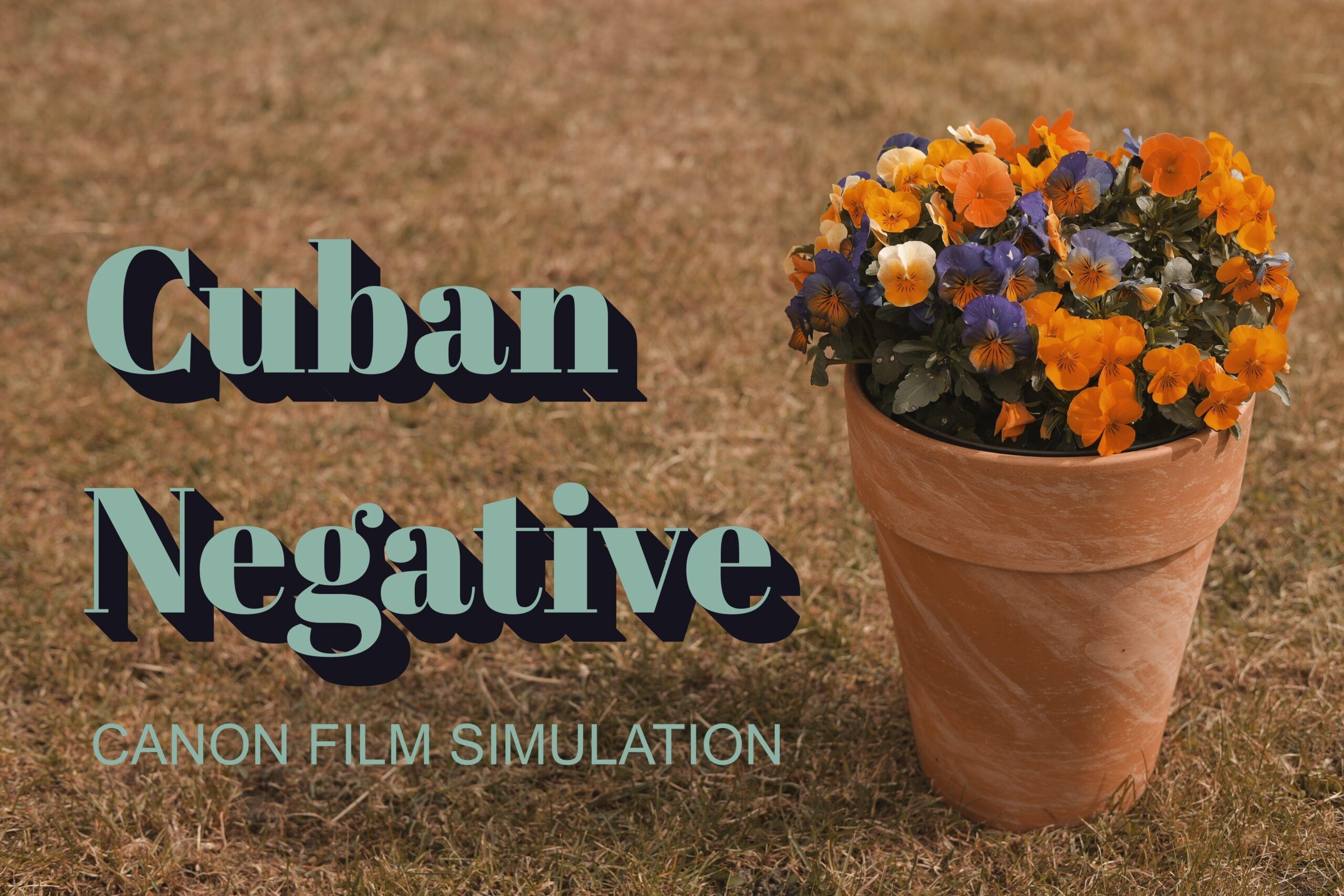
Cuban Sun Captured in a Canon
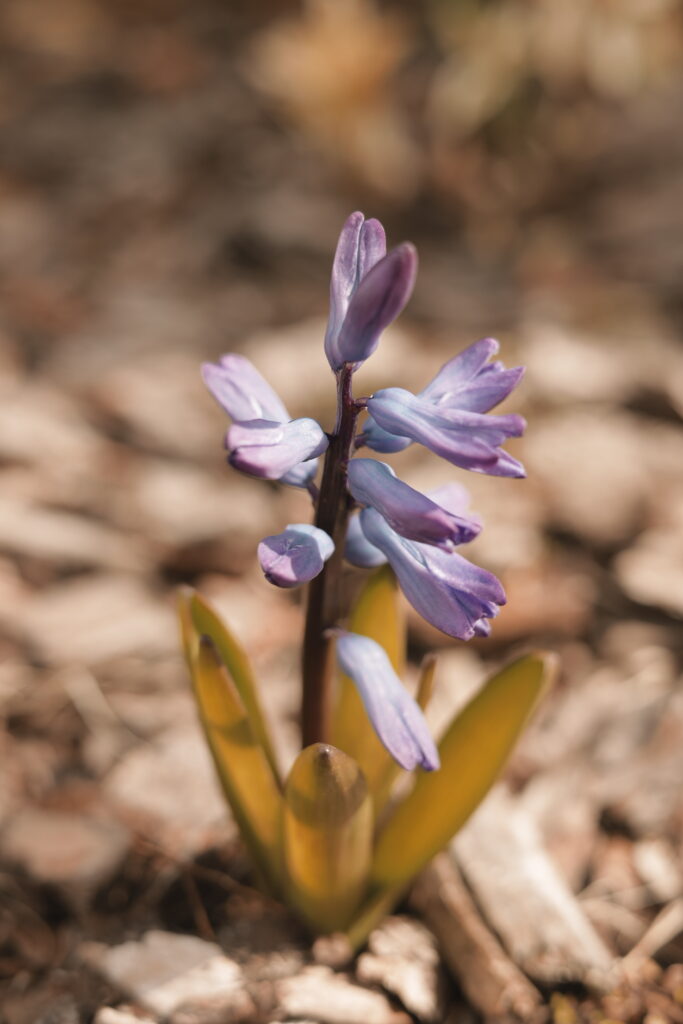
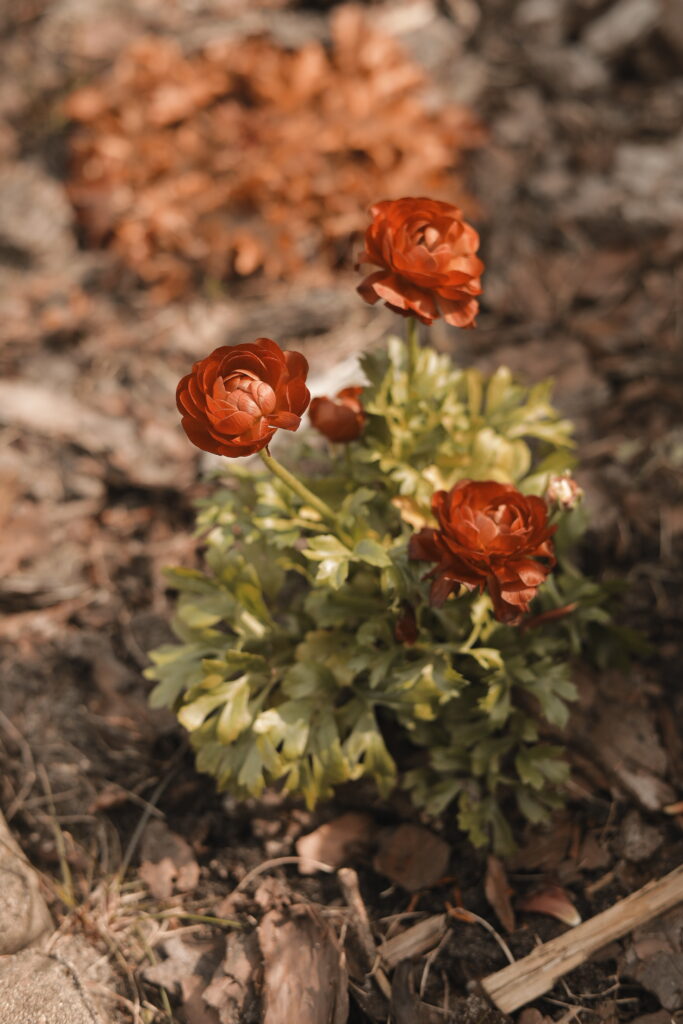
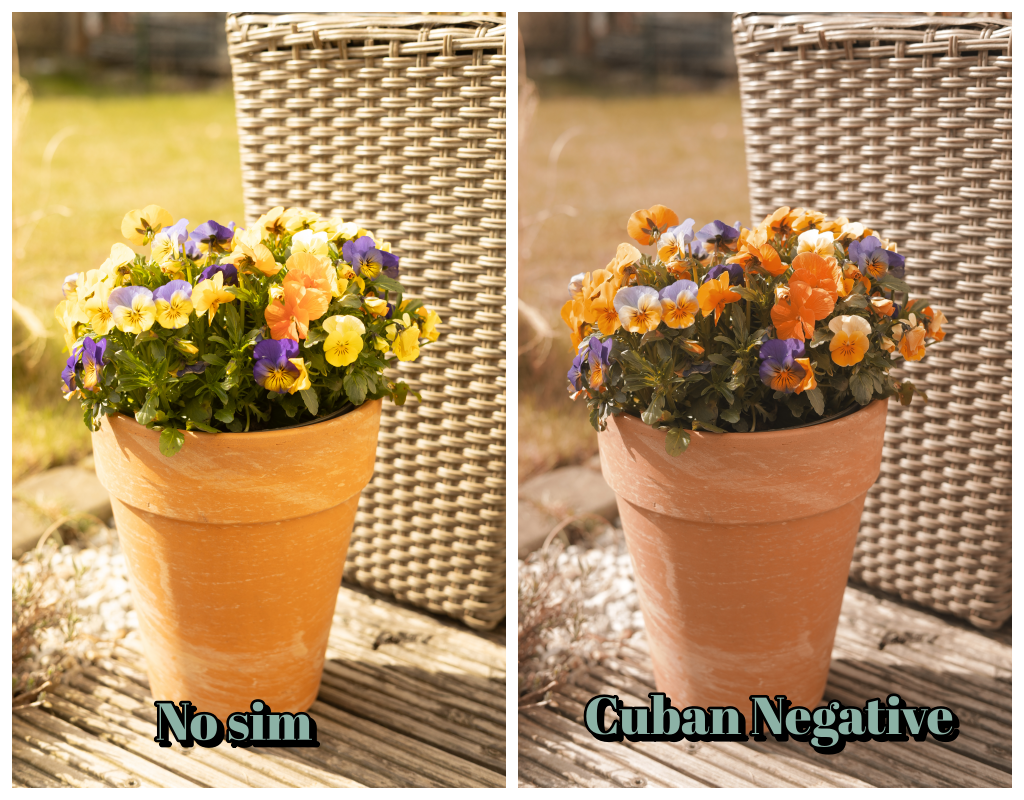
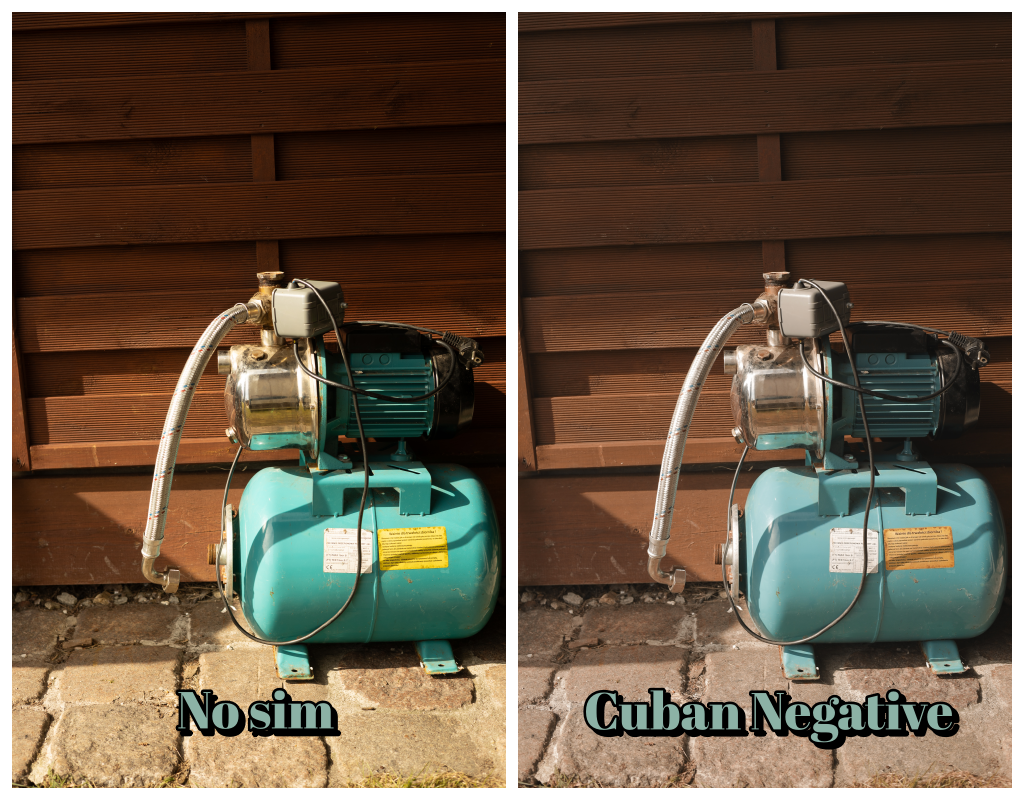
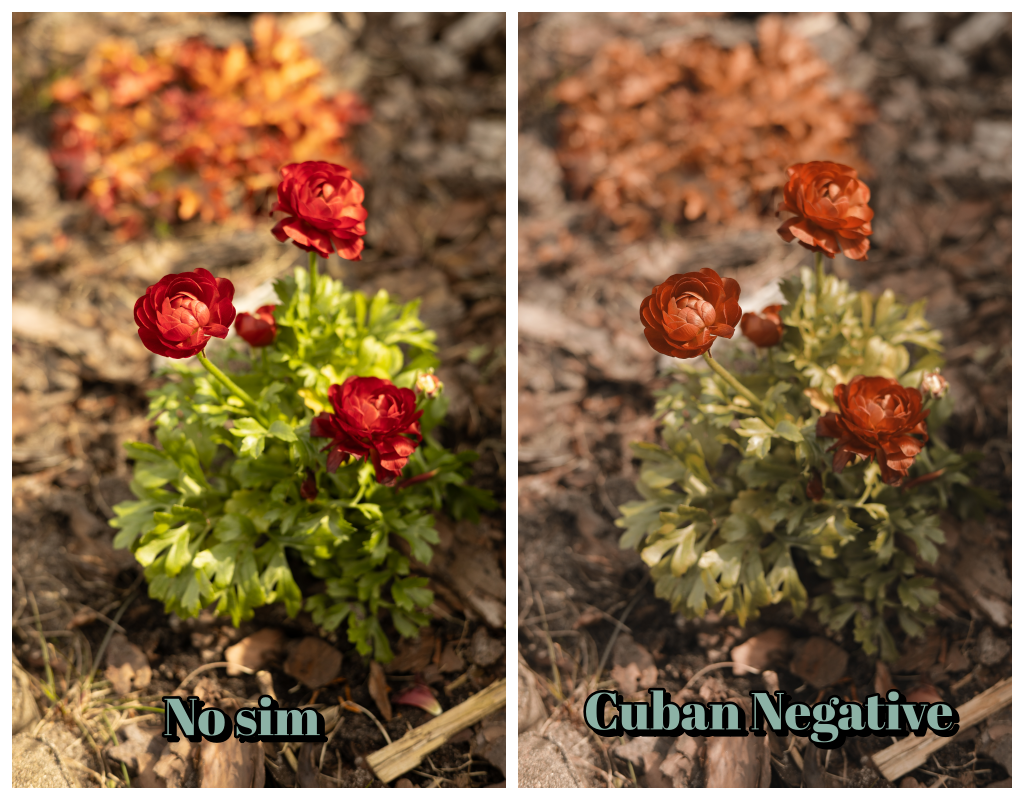
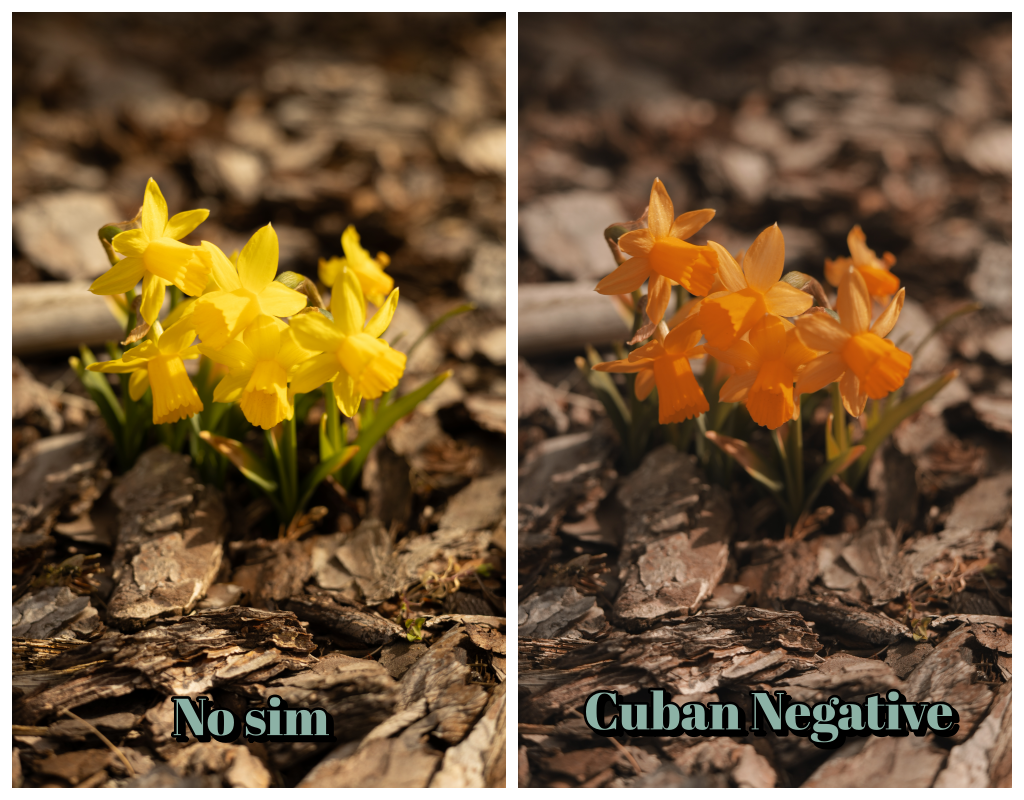
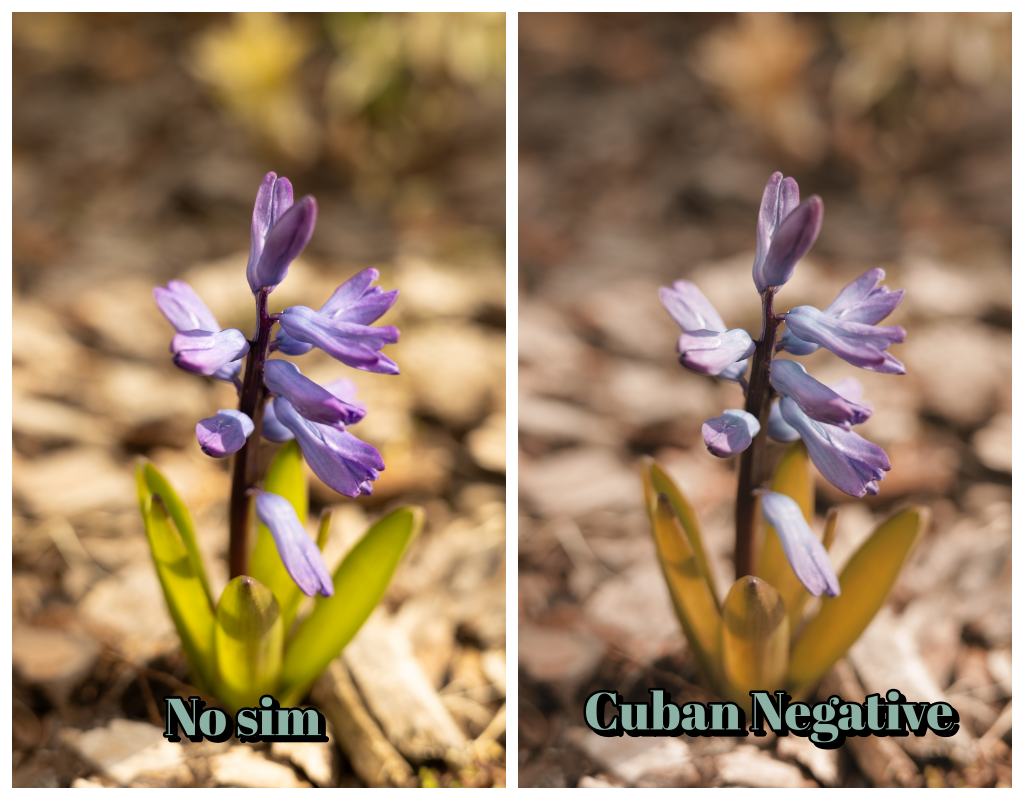
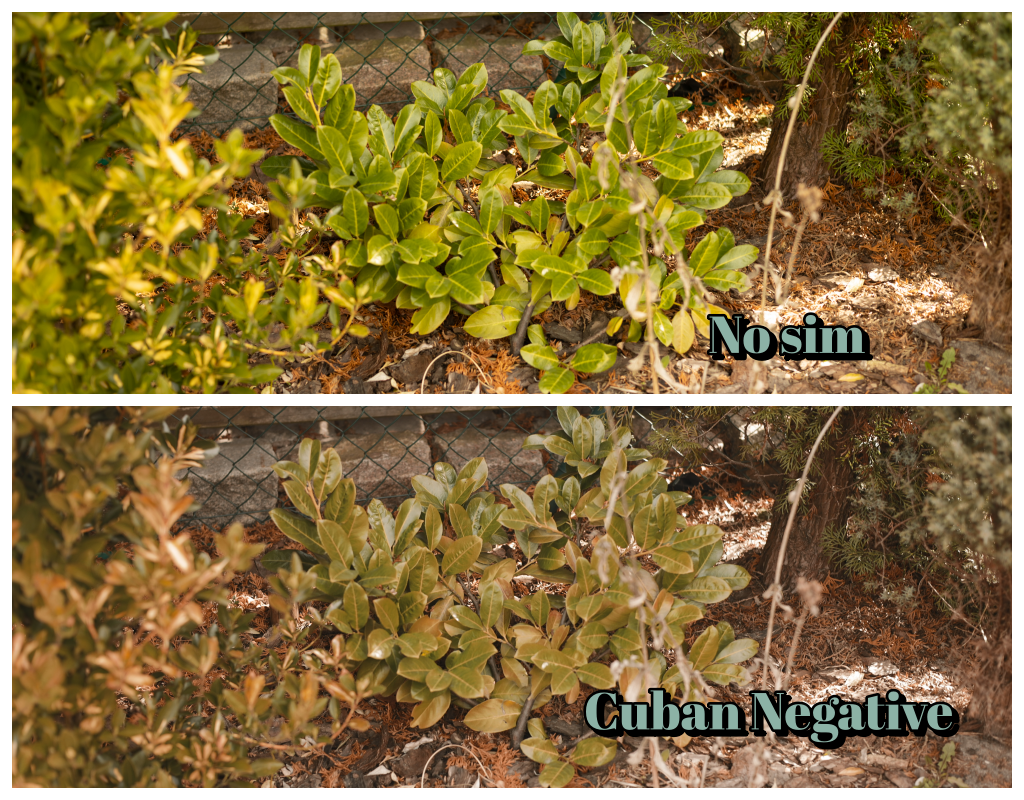
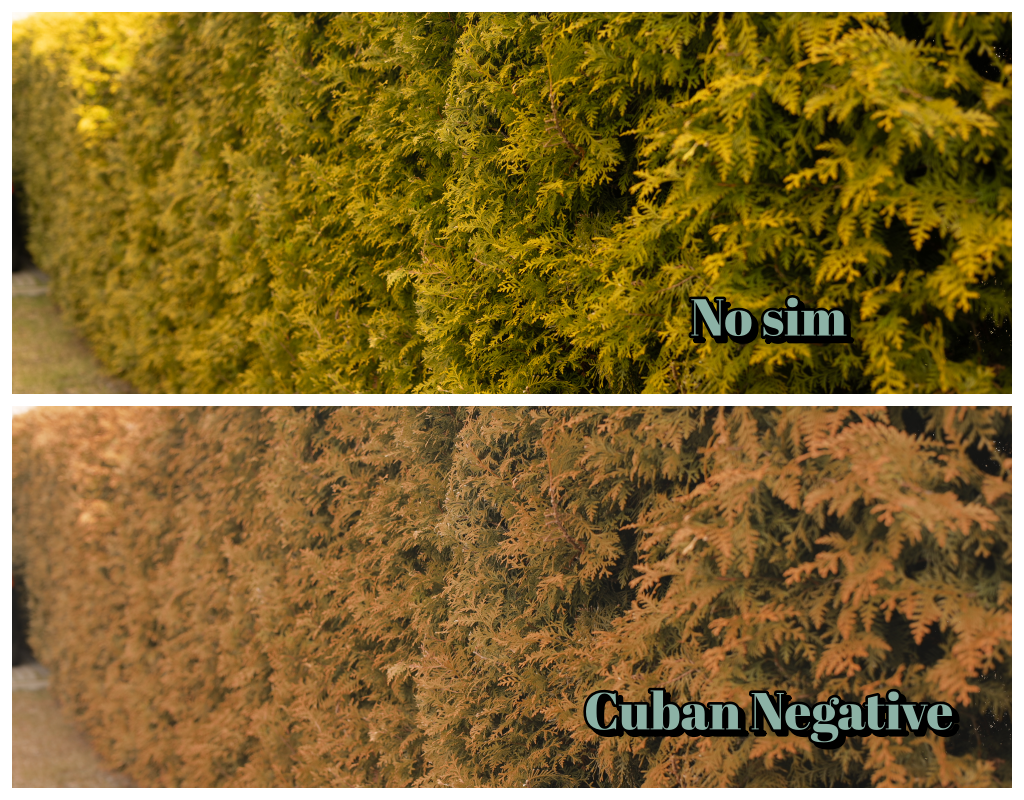
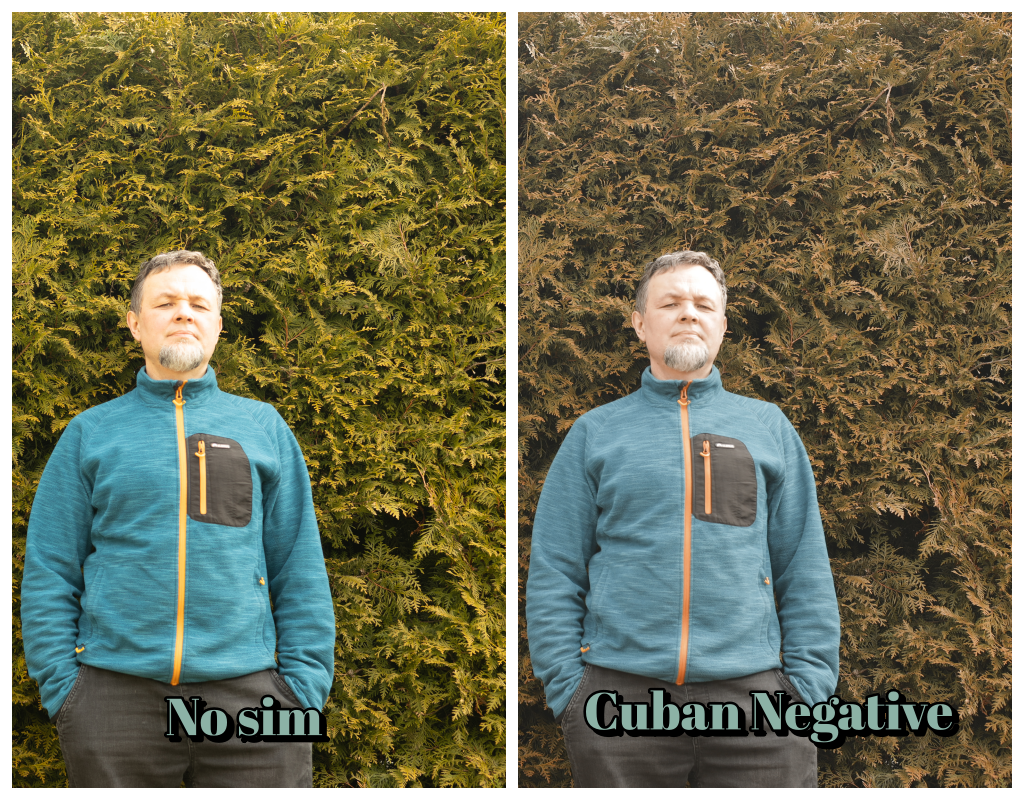
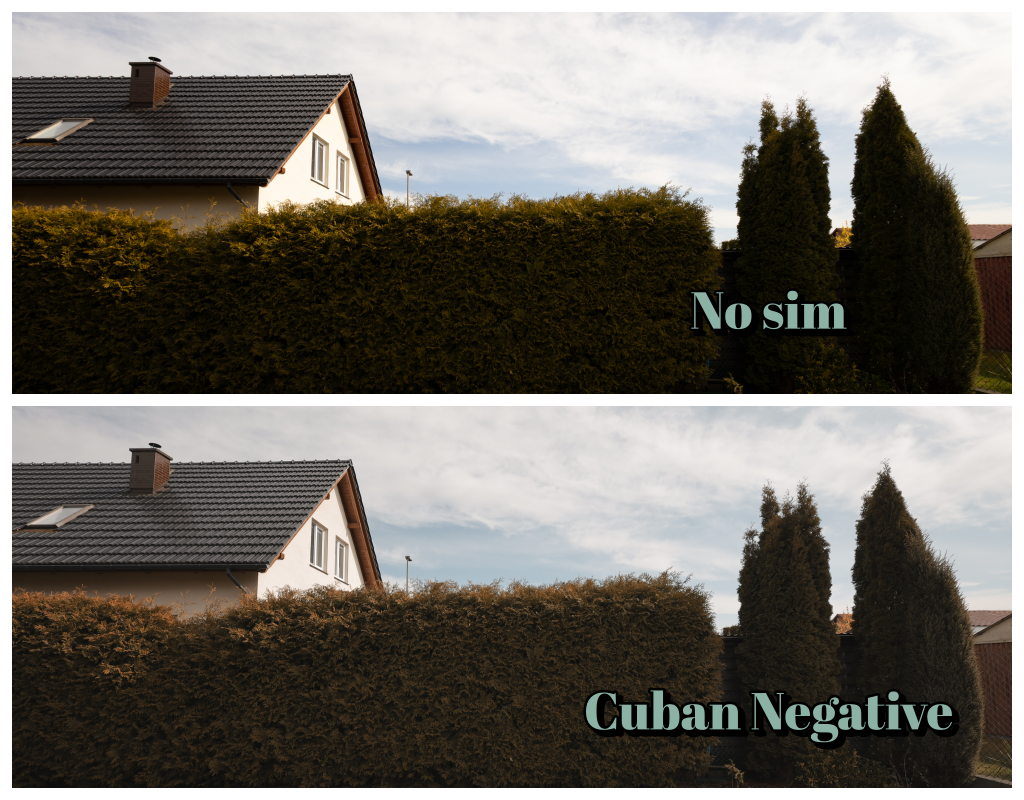
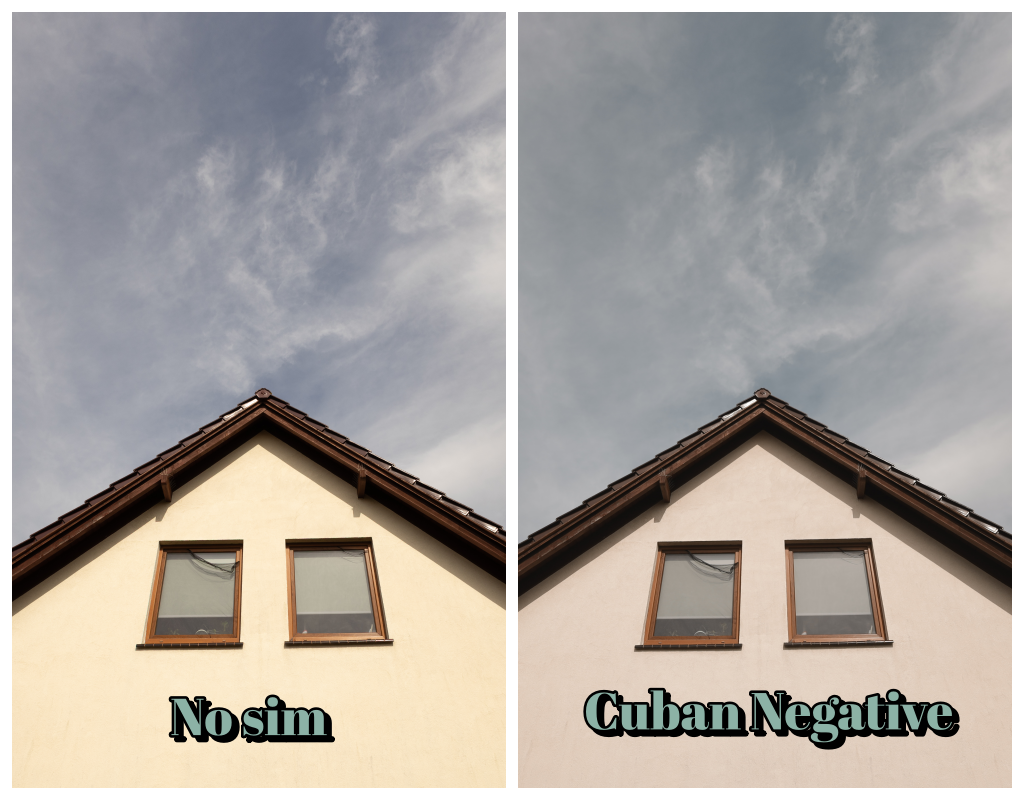
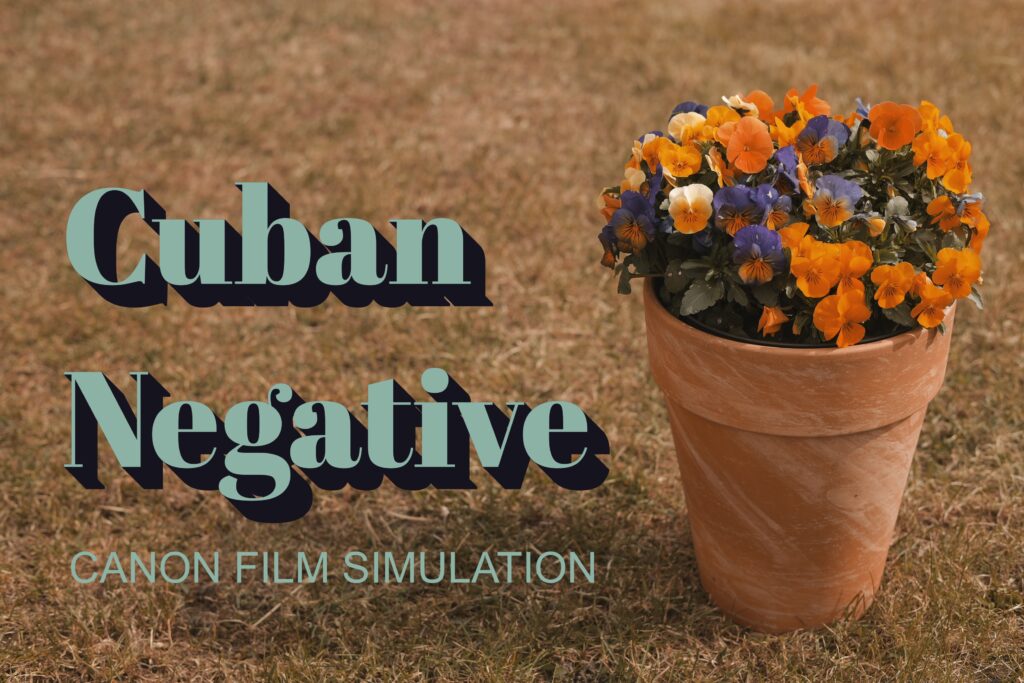
Anyone who has ever held a Fujifilm camera knows the magic of their film simulations—especially the now-iconic Classic Cuban Negative. That distinctive, nostalgic look, dripping with warmth and a touch of “grit,” can transform an ordinary shot into a frame from a 1970s film. I like the colors and film simulations in Fujifilm cameras, but since I also use Canon cameras, I decided to try my hand at Canon’s Picture Style program to achieve a film simulation effect. I chose the very popular Classic Cuban Negative simulation and, after many, many attempts, created a version of it for Canon cameras.
A touch of Havana thanks to white balance
The profile uploaded to the camera isn’t everything. The “Cuban” simulation needs the sultry, afternoon sun. The missing link turned out to be… White Balance. Specifically, the WB Shift function on the camera. Shifting the slider strongly toward Amber (e.g., A5-A7) brought the entire muted, subdued color palette together into a cohesive and incredibly warm whole.
Pouring on the sauce: how to load the simulation and set the white balance
1. Color Profile Registration
Download profile file: Cuban, unzip and register in camera
2.Setting the white balance
Use Q menu to enter to Quick Menu >>> navigate to White Balance >>> Click OK >>> Navigate to K >>> OK >>> Click AF Point button:

then choose Kelvin value (left-right) >>> OK >>> Info >>> Set value to A5 or A6 or A7 >>> OK
3.Go outside and take some breathtaking photos 🙂
Jedna odpowiedź na “Cuban Negative Film Simulation for Canon”
Great sim fo Canon!